Main demonstration asset
This is the primary stitched product demonstration for the buyer path. It shows one governed sequence rather than a documentation gallery.
Demo
See how PalmerAI handles prompts and documents through policy, approval, and audit-ready evidence. The demo shows the governed path from intake to decision record without hiding behind generic product language.
This walkthrough stays product-realistic: uncontrolled start, governed intake, document checks, approval, tenant context, decision record, evidence, and stable oversight.
This walkthrough uses approved PalmerAI source frames only. No generated UI or concept-art dashboard is involved.
This is the primary stitched product demonstration for the buyer path. It shows one governed sequence rather than a documentation gallery.
Request intake, document checks, approval required, decision record, evidence ready, and stable oversight stay visible in sequence.
Every screen in this demo comes from approved PalmerAI source frames. Logos, labels, and UI surfaces are fixed from source assets only.
Proof frames
These chapter frames stay below the main demo asset as proof of the exact source visuals used in the motion sequence.
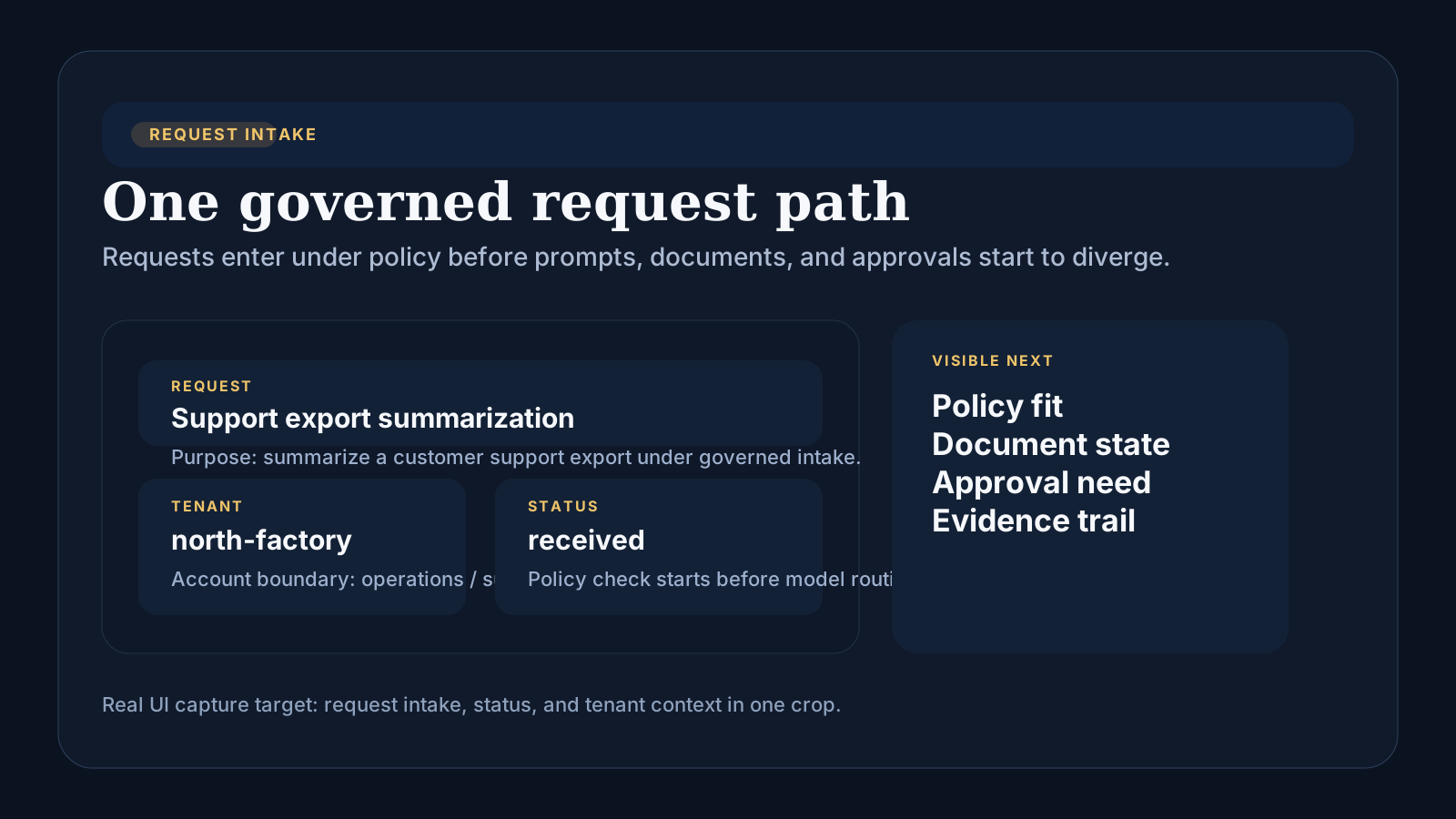
Requests stop bypassing the control layer and enter a named governed path before model-side execution begins.
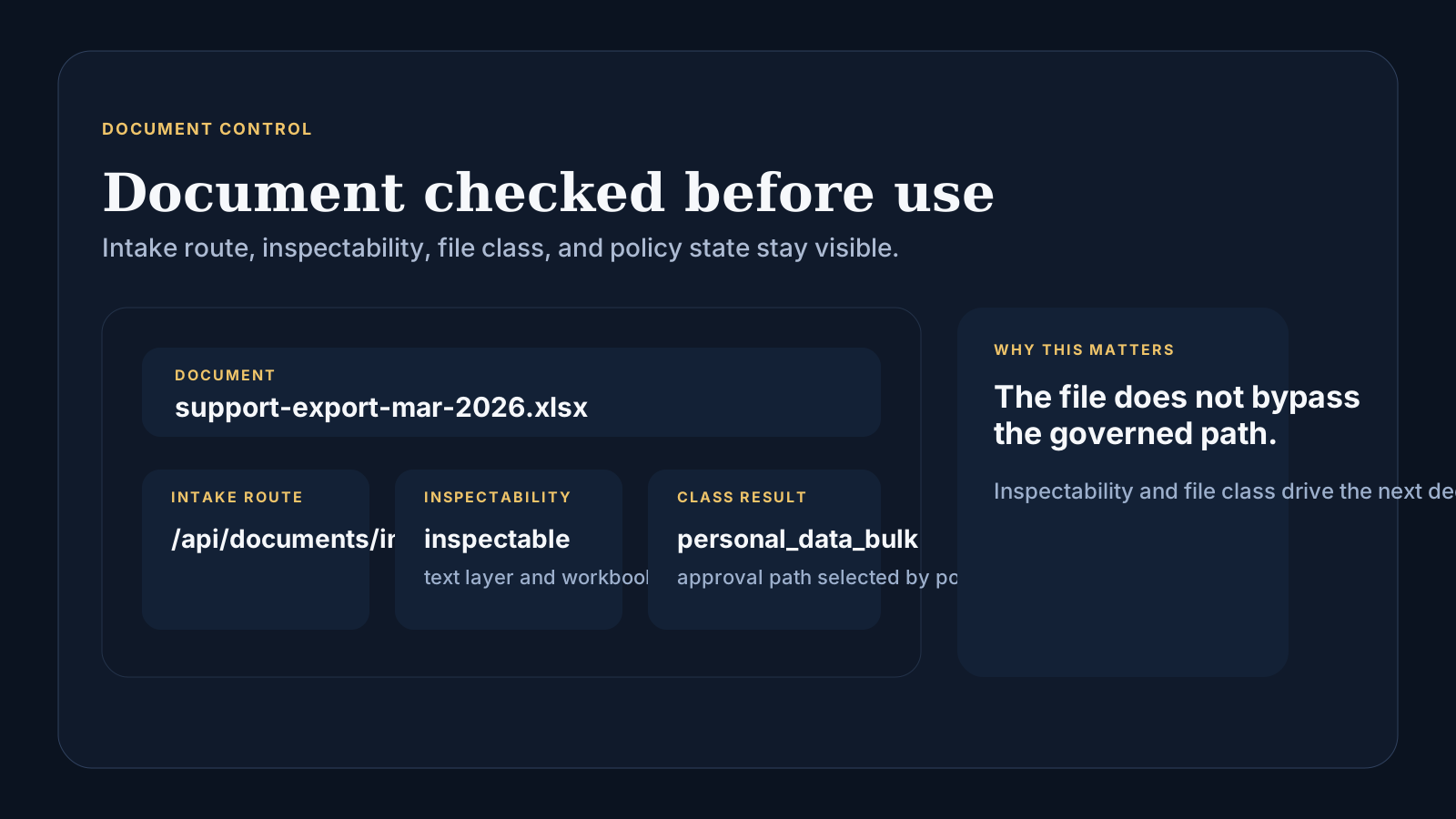
Inspectability, type, classes, and policy fit remain visible before the workflow can continue.
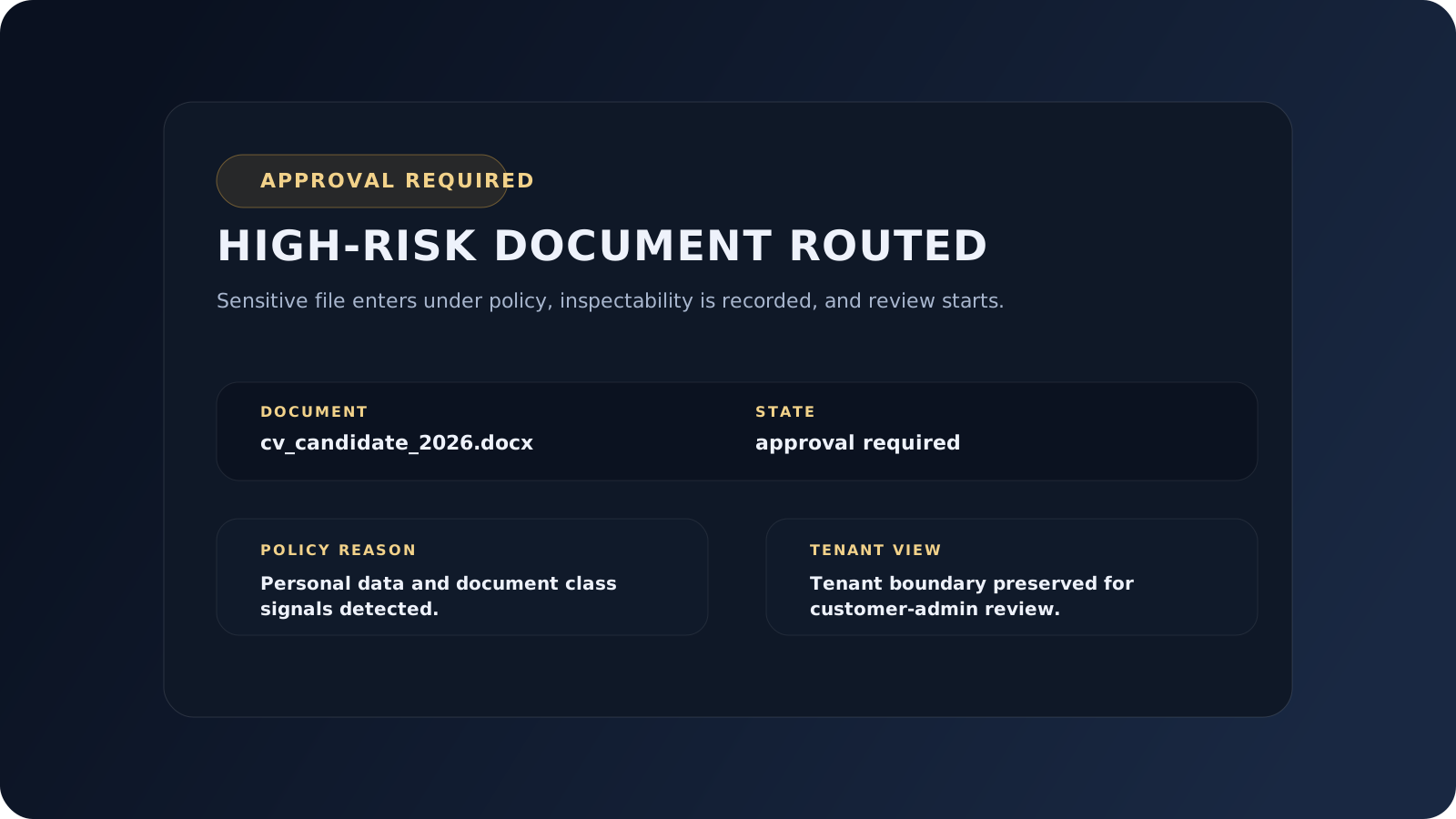
High-risk or uninspectable inputs create an explicit approval object instead of informal side-channel review.
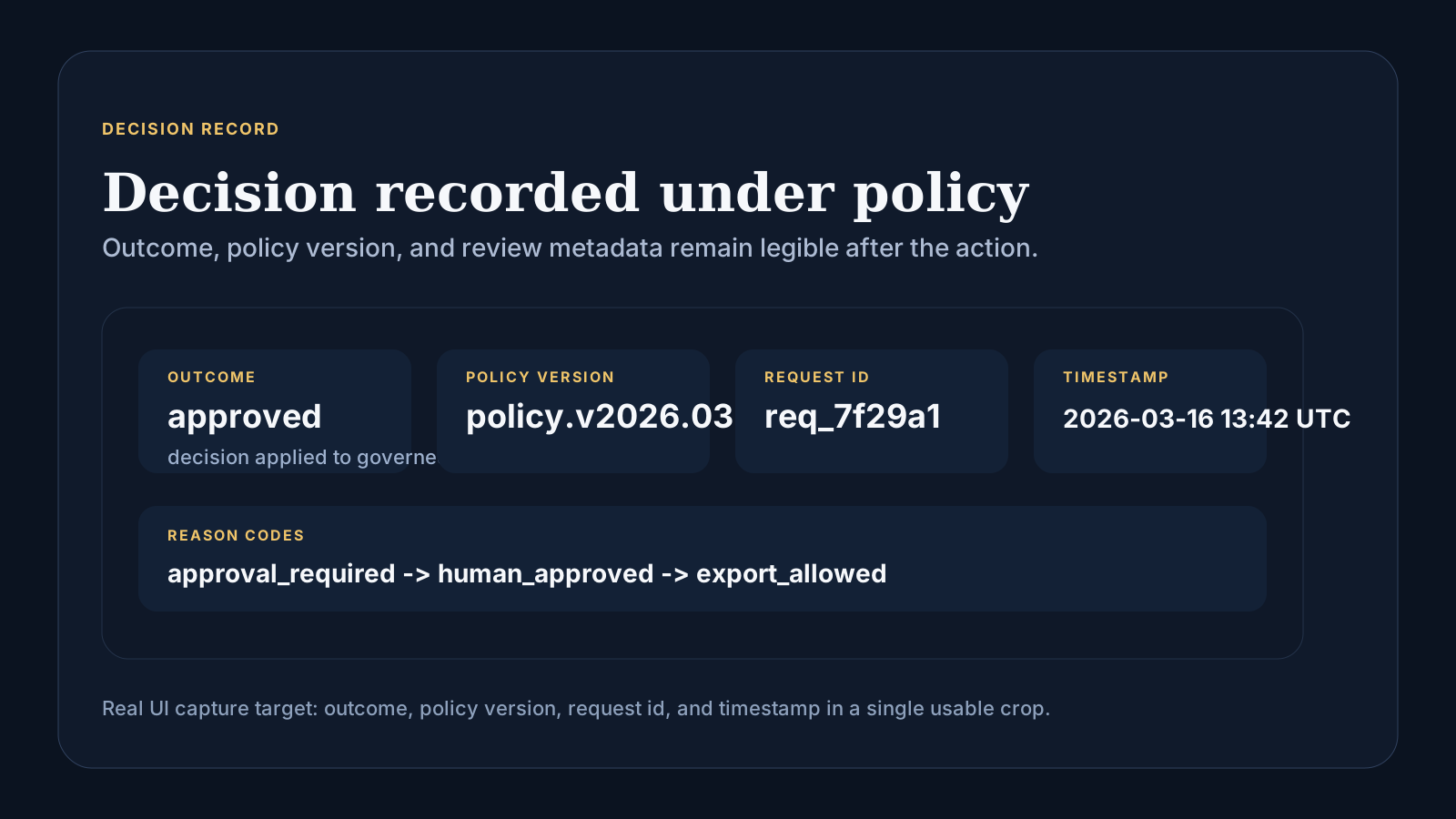
Decision state, reason codes, and timestamps stay legible later instead of getting rebuilt from raw logs.
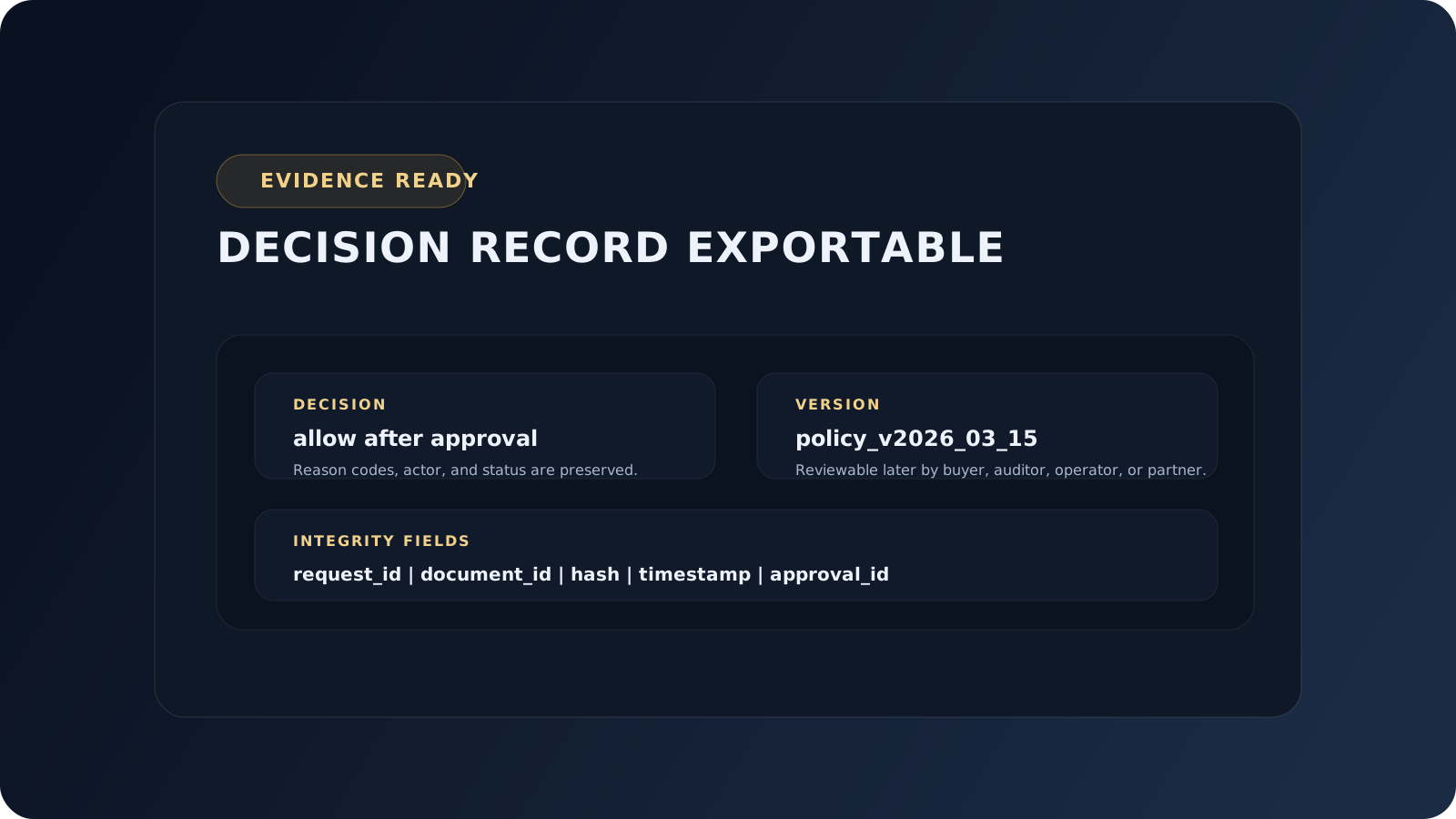
Evidence exports stay clean and reviewable with hashes, timestamps, policy version, and approval state attached.
Flow Walkthrough
A request or document enters the gateway instead of being sent straight to a model endpoint.
PalmerAI checks policy, document type, inspectability, and class signals before anything moves forward.
Risky or uninspectable events create explicit approval objects rather than informal human workarounds.
The final state records outcome, actor, timestamps, and policy version for later review.
The final state includes decision outcome, reason codes, timestamps, policy version, and supporting metadata.
What Each Role Sees
Reviews approvals, incidents, document evidence, and cross-tenant governance posture.
Handles use-case-level approvals and sees what entered the workflow under their tenant.
Sees tenant-level governance summaries without exposing raw document contents in routine reporting.
What matters is the same governed path holding across request intake, document control, approval, and evidence export. Use the evidence pack and one-pager when buyers need the audit and commercial context quickly.